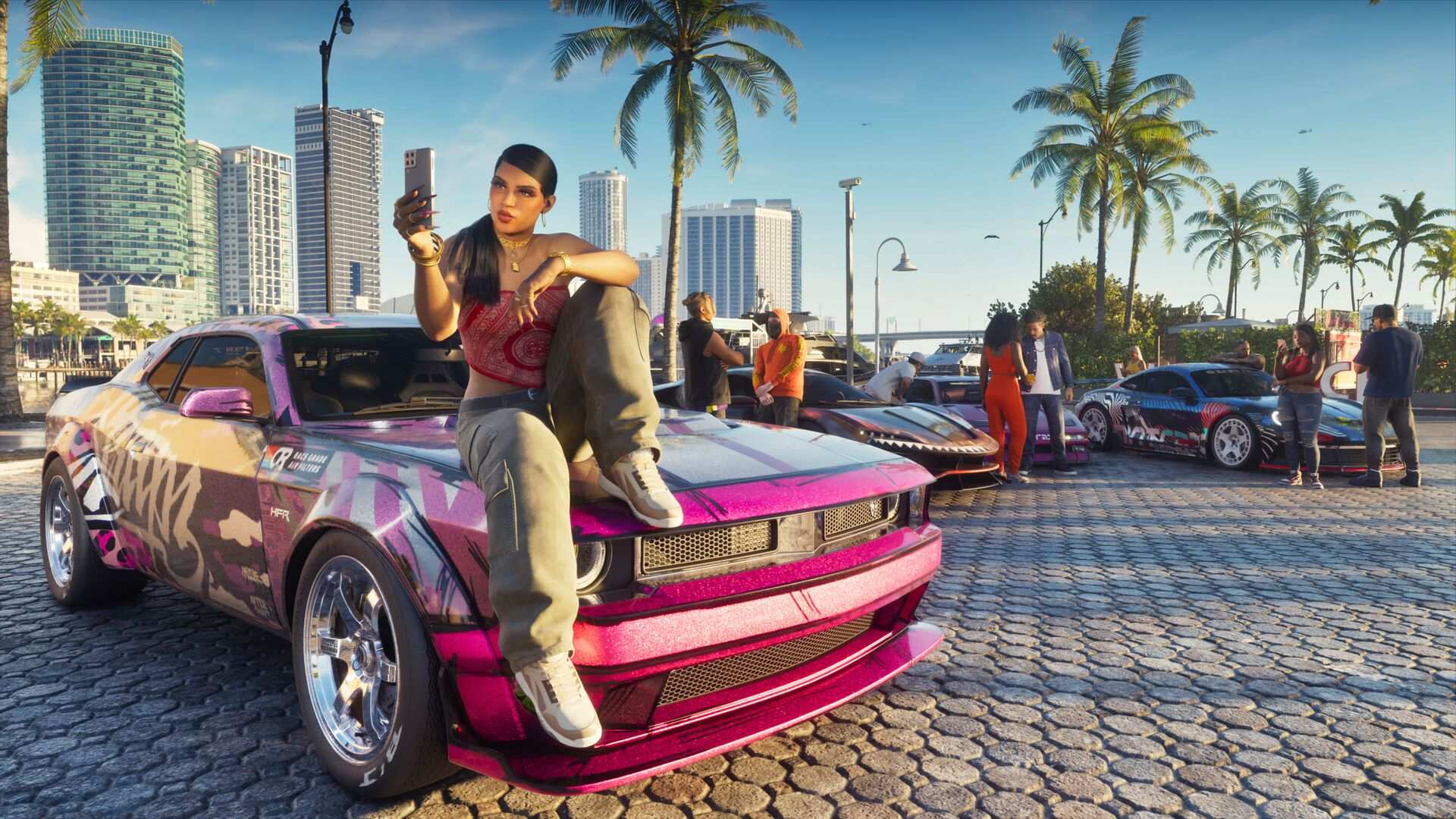
GTA 6 custom radio doesn’t exist: on PS5 and Xbox Series X|S there’s no Self Radio, no playlist builder and no Spotify integration, so you can’t play your own music through the in-game radio. What you get instead is the biggest licensed lineup in the series, with 21 music stations, two talk stations and the first on-demand podcasts in a GTA game.
Is there a Self Radio like in GTA 5?
No. On PC, GTA 5 has Self Radio, which plays MP3, WMA and M4A files from a User Music folder after a music scan in the audio settings. GTA 6 is out on consoles only and has nothing like it. Guides covering its audio settings list no custom radio option, and Rockstar hasn’t mentioned one.
What you can do instead
- Pick from 21 music stations. They run from 80s pop on Vice City FM to metal on The Chamber 106.6. The full station list has every tracklist.
- Play podcasts On Demand. Push the right stick down in the radio menu. Episodes resume where you left off. See GTA 6 podcasts.
- Unlock the two hidden playlists. The Vault Radio and Kodak Black’s The Sniper of La Perle are found by scanning posters. Here’s how to unlock them.
- Take the radio on foot. Buy headphones or earbuds in-game and equip them from the item wheel.
Playing your own music anyway
If you want your own playlist, the workaround is outside the game:
- Go to Settings > Audio and turn on Mute Licensed Music, or turn the Media volume down.
- Play your music through a music app on the console, or on another device.
Mute Licensed Music silences the licensed songs, so they don’t clash with your own playlist. If you want the game’s own music outside it, Spotify has official station playlists; see GTA 6 Spotify playlists.
Can you skip songs or pick a track?
No. There’s no skip-track control on any station. Changing station, or switching to a podcast, is the only way to move on from a song you don’t like. Each song page on this site tells you which station plays it, so you know where to wait for a favourite.
Will custom radio come later?
Nothing has been announced. Rockstar hasn’t confirmed a PC version, and it hasn’t said anything about custom music for any platform. We’ll update this page if that changes.