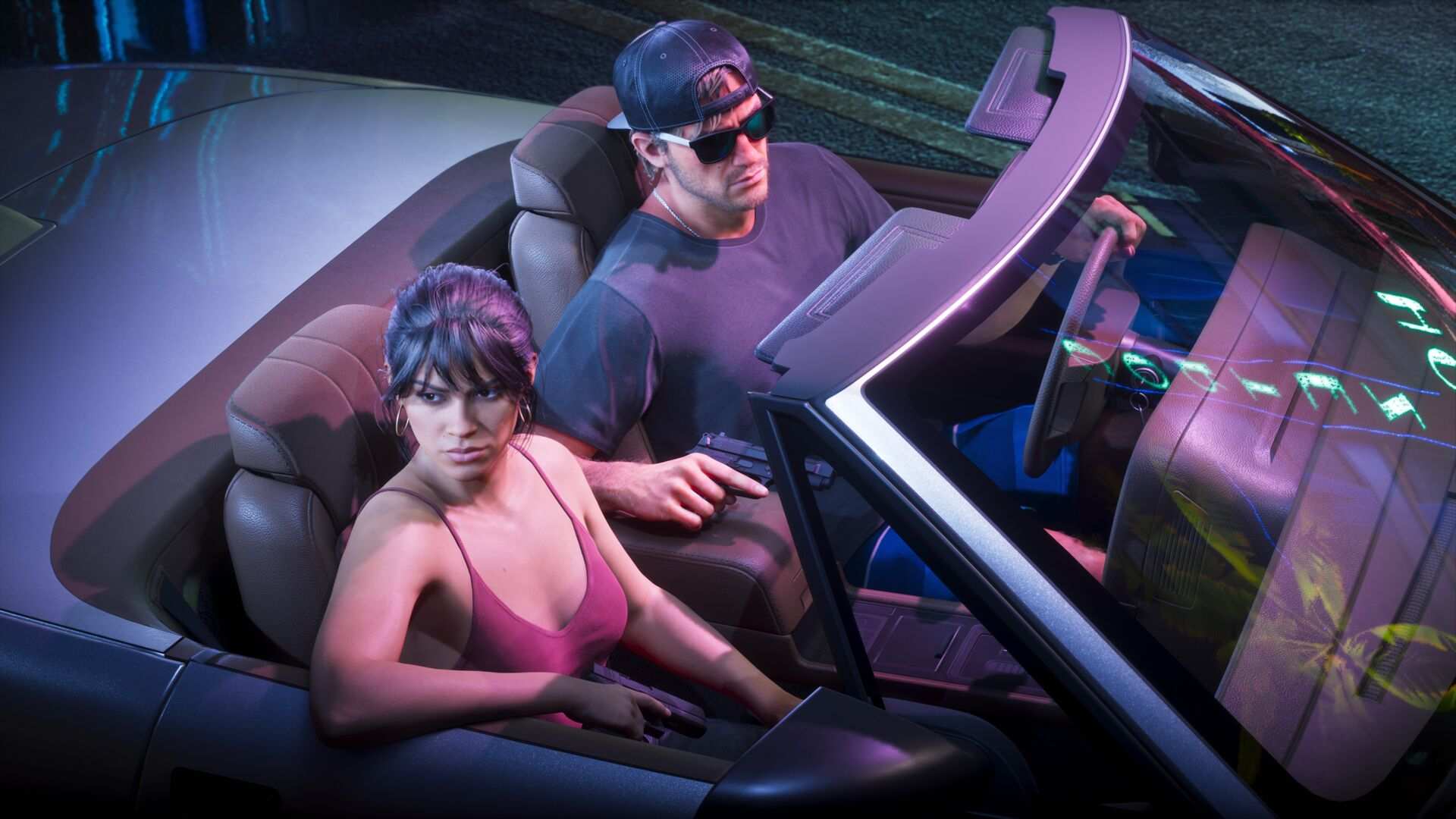
Here’s how to turn radio down in GTA 6: pause, go to Settings > Audio > Volume and lower the Media slider, which covers in-world TV and radio. GTA 6 radio volume can only be changed in the pause menu; there’s no way to turn the radio up or down while you drive. That’s one of the most-upvoted wishes on r/GTA6, where a request for car radio volume controls drew more than 4,000 upvotes.
How to turn the radio down on PS5
- Press Options to pause.
- Open Settings and press R1 until you reach the Audio tab.
- Scroll to the Volume section and lower Media.
- Back out and drive for a moment to check the level.
How to turn the radio down on Xbox Series X|S
- Press the Menu button to pause.
- Open Settings and press RB to reach Audio.
- Lower Media under Volume.
Every slider starts at 10, the maximum, so the radio starts at full volume.
Every audio slider in GTA 6
Under Settings > Audio > Volume you’ll find:
| Slider | What it controls |
|---|---|
| Master | Everything |
| Media | In-world media: car radios, house radios and TVs |
| Music | Background music |
| Dialogue | Character speech |
| SFX | Sound effects |
| UI | Menu sounds |
For radio, Media is the slider that matters. The game describes it as in-world media such as TV and radio, while Music is background music.
How to make the radio louder over the car noise
- Raise Media.
- If it’s still buried, lower SFX a notch, since sound effects include the car itself.
- Keep Dialogue up if you want to follow in-car conversations.
Radio settings worth knowing
- Vehicle Radio (Settings > Audio > Setup): Default, On or Off.
- Default picks up whatever the last driver was listening to.
- Off stops every car you get into from starting with music.
- Mute Licensed Music (Settings > Audio > Setup): silences the licensed songs. If a station plays no songs, this is the first thing to check. Streamers use it on purpose; see GTA 6 mute licensed music.
How to turn the radio off completely
- For one car: hold Left on the D-pad and press X (PS5) or A (Xbox) when the menu shows Turn Off.
- For every car: set Vehicle Radio to Off.
- For the score too: lower Music, the slider for background music. Our GTA 6 wanted music page covers the police-chase score.
House radios and TVs
Radios and TVs in safehouses have their own volume, separate from vehicles. Players note that you can set them independently of the car radio. Stand next to one and press Left on the D-pad to use it.
Why is there no in-car volume?
Rockstar hasn’t explained it. The radio menu (hold Left on the D-pad) handles stations, power and podcasts, but not volume. Players have asked for it since launch, and we’ll update this page if a patch adds it. Until then, the Media slider is the only way.
Related guides
- How to change radio in GTA 6, with every radio control on PS5 and Xbox.
- GTA 6 mute licensed music, for streaming and recording.
- Does GTA 6 have custom radio?
- All GTA 6 radio stations and songs