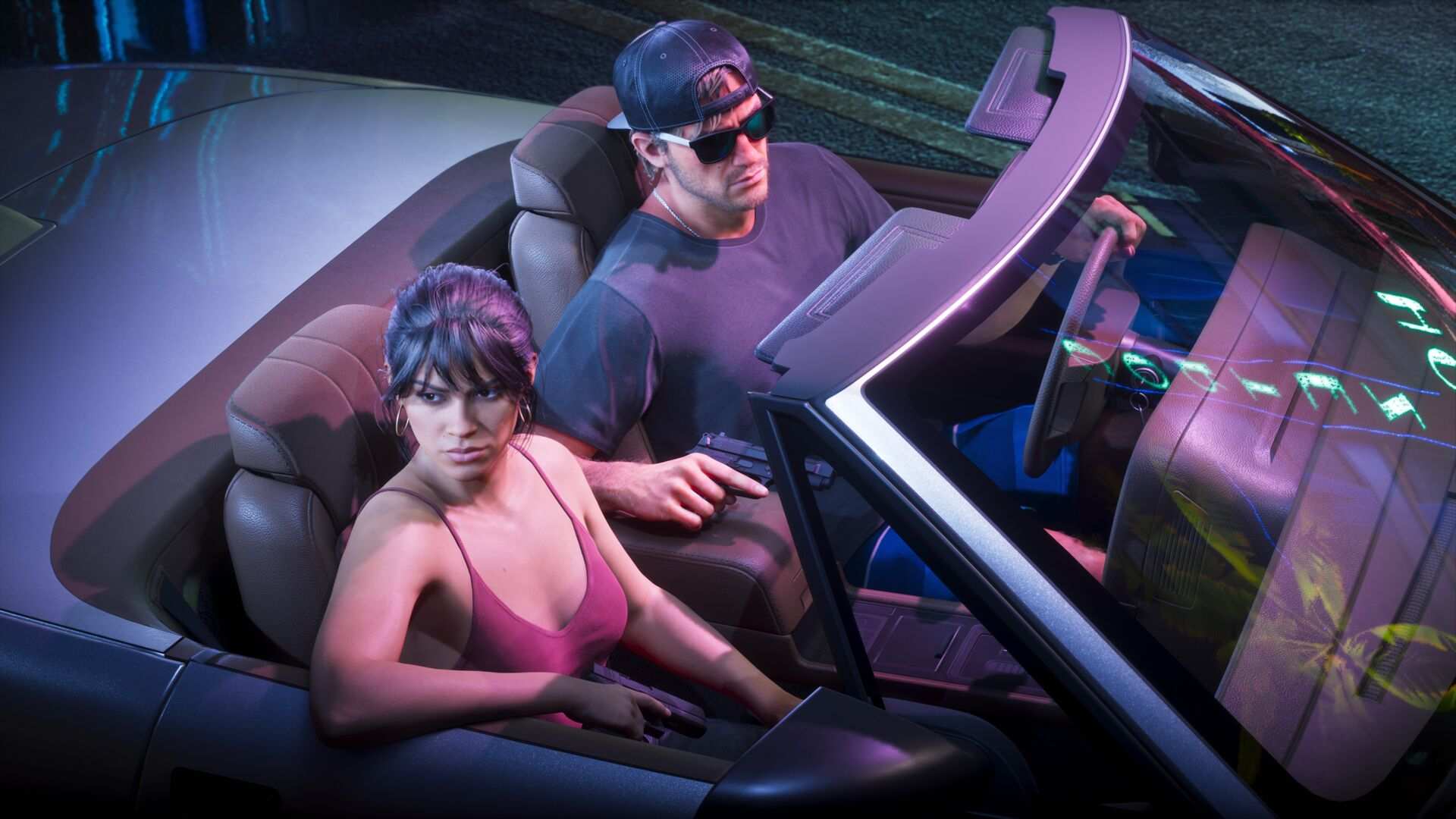
To learn how to change radio in GTA 6, start with the D-pad: hold Left to open the radio menu, then press L1/R1 on PS5 or LB/RB on Xbox (or steer with the right stick) and let go on the station you want. The same menu turns the radio off, opens the On Demand podcasts, and works on foot once you own a pair of headphones.
Where is the D-pad on PS5?
Every radio control in GTA 6 starts with the D-pad: the four arrow buttons on the left side of the DualSense controller, above the left stick. “Hold Left on the D-pad” means pressing and holding the left arrow. On Xbox it’s the same cross-shaped pad, sitting below the left stick.
- D-pad Left (hold): radio menu.
- D-pad Up: phone (hold it to open the WAiNK camera app).
- D-pad Left or Right (tap) while driving: turn signals, according to r/GTA6’s hidden-features list.
What is the radio button in GTA 6?
There isn’t a dedicated one. The “radio button” is Left on the D-pad, held down. GTABase’s controls list files the radio under the Vehicle Menu, which also holds headlights and windows. Hold it and the radio wheel appears. The same button works on safehouse and shop radios, and on foot once you have headphones.
How to turn on the radio in GTA 6 on PS5
- Get in a vehicle: a car, bike, boat or aircraft with a radio. On foot, you need headphones equipped first (see below).
- Hold Left on the D-pad. If the radio is off, the menu shows a Turn On prompt.
- Press X to turn it on.
- Keep holding Left, pick a station with L1/R1 or the right stick, and release.
To make every car start with the radio on, set Settings > Audio > Setup > Vehicle Radio to On.
How to change the radio station on PS5
Switching radio stations works the same way in every vehicle:
- Get in a vehicle (or put on headphones, see below).
- Hold Left on the D-pad. The radio menu opens. It shares the vehicle menu with headlights and windows.
- Keep holding, and press L1 or R1 to step through the stations, or point with the right stick.
- Release the D-pad to tune in.
How to change the radio station on Xbox Series X|S
The layout is the same on Xbox:
- Hold Left on the D-pad.
- Press LB or RB, or use the right stick, to move between stations.
- Let go of the D-pad to lock it in.
Series X and Series S use identical controls.
How to turn the radio on or off
Open the radio menu (hold Left on the D-pad) and press X on PS5 or A on Xbox. The prompt reads “Turn On” or “Turn Off”, depending on the radio’s state.
If you’d rather cars never start with music, go to Settings > Audio > Setup > Vehicle Radio:
- Default keeps playing whatever the last driver was listening to.
- On always starts the radio.
- Off keeps it quiet until you switch it on.
Podcasts and On Demand
GTA 6 is the first game in the series with on-demand podcasts. In the radio menu, push the right stick down to reach On Demand. Press Square (PS5) or X (Xbox) to browse episodes, then X or A to play. Episodes pick up where you left off. Kodak Black’s unlockable playlist, The Sniper of La Perle, also lives here once you’ve found its posters.
Listening on foot with headphones
Jason and Lucia can listen away from the car, but only with headphones:
- Buy them. A headphone shop marked on the map sells earbuds and over-ear headphones; Clef over-ears cost $199. Each character needs their own pair.
- Equip them. Hold L1/LB for the item wheel, then go to Items > Headgear.
- Tune in. Hold Left on the D-pad as usual. The music carries on as you get in and out of vehicles.
The phone (D-pad Up) has no music app, so headphones are the only way to take the radio on foot.
House radios and radios in the world
Safehouse radios and radios in shops and bars use the same button: stand next to one and press Left on the D-pad. World radios play stations only, not podcasts.
Keep the radio playing when you get out
Double-tap Triangle (PS5) or Y (Xbox) to step out with the engine running, and the radio keeps playing. Holding the button stops the car first and switches everything off.
Hidden stations that don’t show up at first
Two stations aren’t on the wheel until you unlock them. The Vault joins the normal list after you scan one poster in The Vault nightclub, and Kodak Black’s The Sniper of La Perle appears under On Demand after four posters. Both are explained in GTA 6 unlockable radio stations.
Volume, and why the radio might be silent
There’s no in-car volume control. Radio loudness lives in Settings > Audio > Volume > Media, the slider for in-world TV and radio. It sits next to Master, SFX, UI, Dialogue and Music. Our GTA 6 radio volume guide covers every slider.
If a station plays no songs at all:
- Check Mute Licensed Music in Settings > Audio. When it’s on, licensed songs are silenced (it’s meant for streamers; see GTA 6 mute licensed music).
- Check that the Media slider isn’t at zero.
- Check that Vehicle Radio isn’t set to Off.
Can you skip songs?
No. No guide or player has found a skip-track button; the only choices are changing station or switching to On Demand. There’s also no way to play your own music; see does GTA 6 have custom radio.
Where to next
- All GTA 6 radio stations and songs: every station, its genre and its full tracklist.
- GTA 6 radio hosts and voice actors.
- Unlockable radio stations: The Vault and Kodak Black’s playlist.
- How to turn radio down in GTA 6, and Mute Licensed Music for streaming.
- Not sure where to tune? The best GTA 6 radio stations, ranked.
Sources
- Beebom: How to turn on the radio in GTA 6
- Izoate: How to switch radio stations in GTA 6
- GamerBlurb: GTA 6 how to change radio station
- GTABase: GTA 6 controls guide
- PowerPyx: GTA 6 Unique Playlists locations
- AltChar: How to listen to music and the radio on foot
- Nerdschalk: GTA 6 audio settings
- GameRant: How to leave the car engine running in GTA 6
- r/GTA6: hidden features and controls