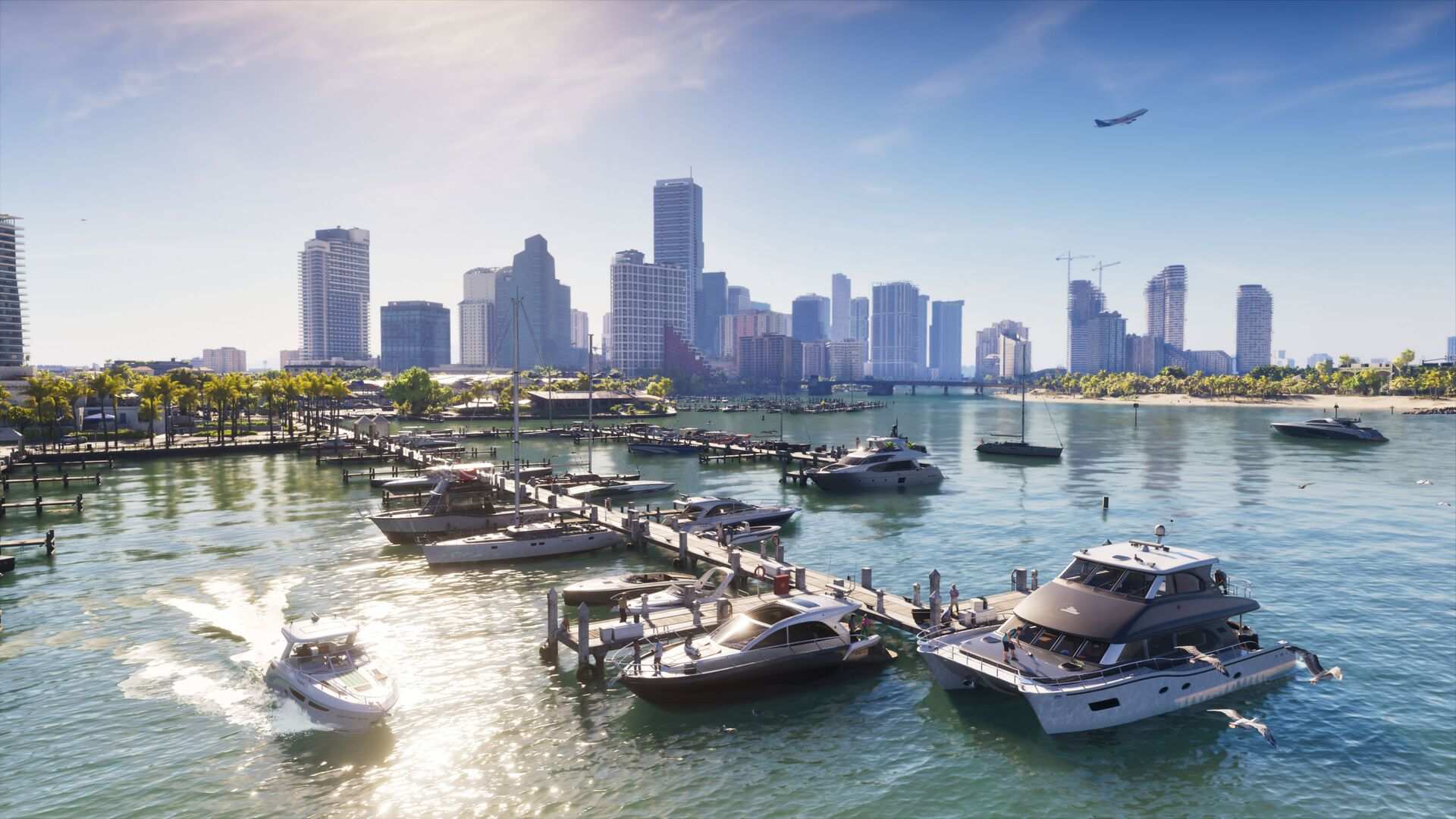
Here’s how to listen to radio on foot in GTA 6: buy a pair of headphones or earbuds, equip them from the item wheel, then hold Left on the D-pad to open the radio menu just as you would in a car. Each character needs their own pair. Once they’re on, the music follows you in and out of vehicles.
Step 1: Buy GTA 6 headphones or earbuds
There’s a headphone shop on the map. It sells earbuds, over-ear headphones and phone cases. Clef over-ear headphones cost $199. Buy a pair as Jason and another as Lucia: they don’t share.
Step 2: Equip them
- Hold L1 (PS5) or LB (Xbox) to open the item wheel.
- Go to the Items tab.
- Put the headphones in the Headgear slot.
Step 3: Tune in
- Hold Left on the D-pad to open the radio menu.
- Use L1/R1 (PS5) or LB/RB (Xbox), or the right stick, to choose a station.
- Release to tune in.
- Push the right stick down for On Demand podcasts.
It’s the same radio menu you use in a car. To add the two hidden playlists to it, The Vault Radio and Kodak Black’s The Sniper of La Perle, see how to unlock them.
Why it’s worth it
GTA 6’s radio is huge: 21 music stations, two talk stations and five podcasts. A walk on the beach with Vice City FM in your ears, or a hike through the swamps with Back Country Radio, feels very different from the silent version. One r/GTA6 player says they play half the game with headphones on, switching them off only for robberies.
Other ways to hear music on foot
- World radios. Radios in safehouses, shops and bars play stations. Stand next to one and press Left on the D-pad. They don’t play podcasts.
- Leave the car running. Double-tap Triangle (PS5) or Y (Xbox) to get out with the engine and radio still on.
- No phone app. The phone (D-pad Up) has no music player, so headphones are the only way to carry the radio.